
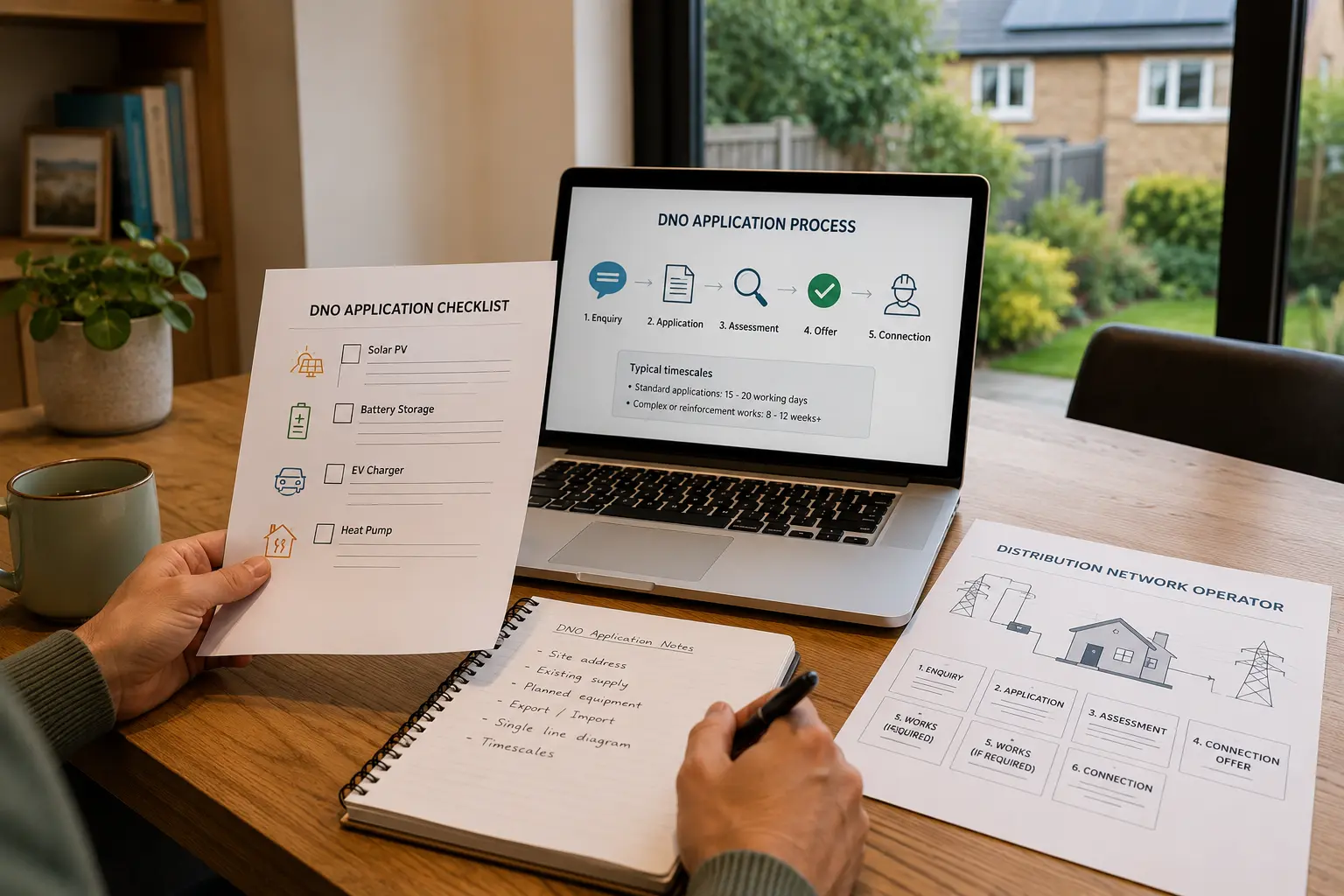
As more UK homeowners install solar panels, battery storage, EV chargers, and heat pumps, interactions with the Distribution Network Operator (DNO) — the company that operates the electricity network in your area — become increasingly important. Many homeowners are surprised to discover that some installations require DNO approval before they can be connected.
Need a tradesperson for this?
Bizzy Day lets you search available UK tradespeople by trade, postcode, and date — free, no account needed.
Find a tradesperson — freeWhat is a DNO?
Your DNO is the company responsible for the electricity distribution network in your area — not to be confused with your energy supplier. There are six main DNOs in Great Britain: UK Power Networks (South East, East, London), Western Power Distribution (South West, Midlands, Wales), Northern Powergrid (North East, Yorkshire), Electricity North West, SP Energy Networks (Scotland, South), and SSEN (North of Scotland). Finding out which DNO covers your area is the first step.
When DNO notification or approval is needed
Under the G99 and G100 connection standards, you may need to notify or get approval from your DNO before connecting generating equipment (solar + battery) above 3.68kW, or before connecting certain large loads (heat pumps above specific ratings, bidirectional EV chargers). Your installer should handle this — but confirming that they have done so is important. Installing without required approval can result in a requirement to disconnect the system.
DNO approval processes have improved significantly in recent years, but delays remain common. Factor at least 11 weeks into your project timeline if a G99 application is likely to be needed.
— Solar Energy UK
The G100 process for larger installations
For installations above 50kW (uncommon for homes but possible for large properties or small commercial), a more detailed G99 assessment is required, which can take several months. For most domestic installations, the simpler G98 self-notification process applies — your installer notifies the DNO within 28 days of installation. Confirm with your installer which standard applies to your project.
Ask your installer who handles the DNO application
A reputable installer will handle DNO notification and any required approval as part of the installation. Before signing a contract, explicitly confirm this is included and ask to see confirmation once the notification has been submitted.